
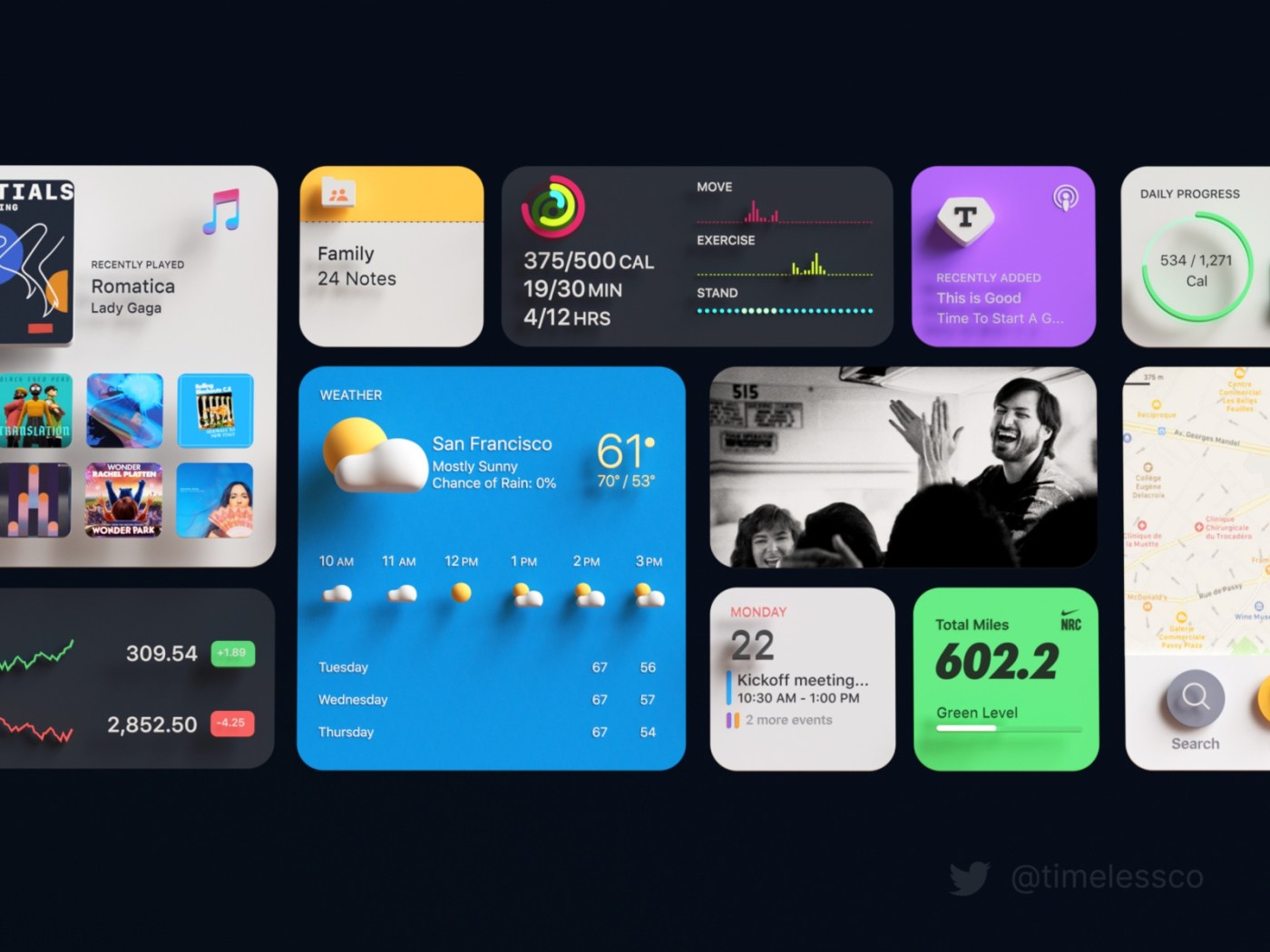
You must have seen websites equipped with clocks, video players, slideshows and etc.
And must have wondered how difficult would it be to code such complex elements.
But in reality, all the major websites are using simple and easy to use website widget to add complex functionality to their website.
These website widgets are very easy to use and also come up with an ample amount of features, with which one can easily update the functionality on their website.
7 Best Website Widget
So without wasting any time let’s move on with the 7 great website widgets that will transform your website from top to bottom.
Booking and calendars widget
If you’re looking to insert functionality on your website to book an appointment or set daily task details on the calendar of your website then booking and calendar widget can do wonders for you.
One can easily embed this website widget just by copying and pasting the source code from the portal of the website whose service you tend to use.
Google calendar serves the best if you are only looking to share a simple classic calendar on your website.
But if you’re looking something with a bit more functionality like booking an appointment or scheduling clients’ meeting then you can go for either Schedule Once or Calendy respectively.
Social Media Feed Widget
You must have seen big banners on the home page of many websites displaying their social media feed at the time of their major campaign.
If you want to integrate all your social media feeds into one platform and display it on your website then you can use the social media widget.
There are several social media widgets available but Taggbox web widgets work best among them all, it is very easy to use and provide its service with all the major social media platforms like Facebook, Instagram, Twitter, Yammer, and many more.
To integrate this website widget with your website all you need is to do login and follow some simple steps to embed on your website.
Analytics widget
Now, with the help of a search and analytics widget, one can easily analyst the real-time traffic on your website.
These insights can help a lot to prepare the future course of action to increase website traffic.
E-clincher is the widget to go for if you’re looking to track and analyze the website traffic all through the same dashboard.
Also Read – Embed Twitter Feed On Website
Search Widget
If you have no coding background and want to add a search bar on your website without wasting any time, then the use of a search widget on the website dashboard is the easiest way.
Google has always been first when it comes to search but you can also use Swiftype to add a search field to your website.
Moreover, Swiftype comes up with advanced search field features like autocomplete and advanced indexing making it my personal favorite.
Social media button widget
You must have seen the floating social media button under the blogs that allow you to share content your website content directly on your social media.
Social media is one the best platform to increase the organic traffic and user engagement of your website.
If you want to add similar functionality to your website you can use AddThis.This website widget allows you to add floating social media and sidebar content on your website just by simple Copy & Paste.
Customer service widget
Customer service serves as a backbone for every company especially when it comes to retaining existing customers. Moreover, it also helps to improve brand value and brand trust.
If you run a small business and looking to provide customer support to your customer then the customer service widget can do wonders for your business.
Some of the most popular options are Userlike and Olark it allows you to add a customer service channel to your site thus saving a lot of money and time in hiring a dedicated customer service representative.
Plugin Editor Widget
This is one my favorite widget of all time, Basically, it is a catalog of plugins and widgets of all the popular website builder
It allows you to directly set various widgets just on one click from the dashboard.
I want to do a shootout for Powr.io as it provides has an aesthetic and user-friendly interface among all the rest.
Conclusion
It is no doubt that widget provides better user experience and better engagements on the website, Moreover widgets play an important role to reduce manual workload and also helps to analyze real-time traffic.
The above blog contains the 7 best widgets to transform any website by providing adequate functionality to it
Lets us know what are your favorite widgets in the comment section below
It is no wonder that widgets is tranfor
clocks, currency converters, video players, contact forms, slideshows, search fields, etc.
 Digital Cell
Leave a comment